Searching the Webhelp
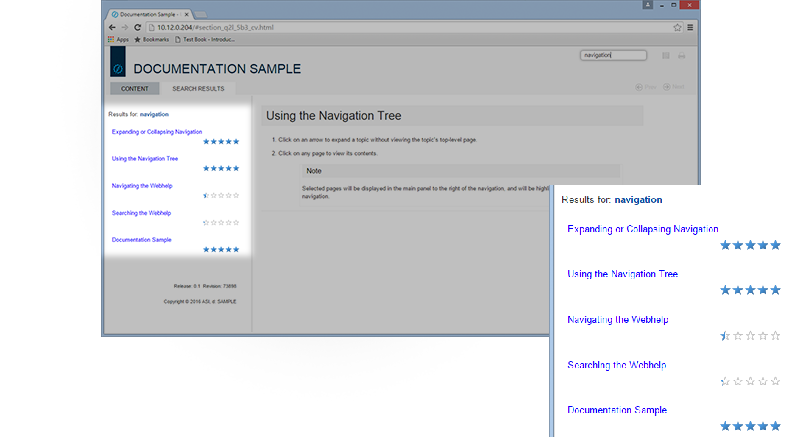
The ASI webhelp includes string search capability. If you search for a word or combination of words, it will present results ranked based on the number of times that term (or terms) is used on a particular page. If you use more than one term, pages that contain all of the terms you used in the order you used them will appear first, followed by pages that contain all of the terms but not necessarily in order.
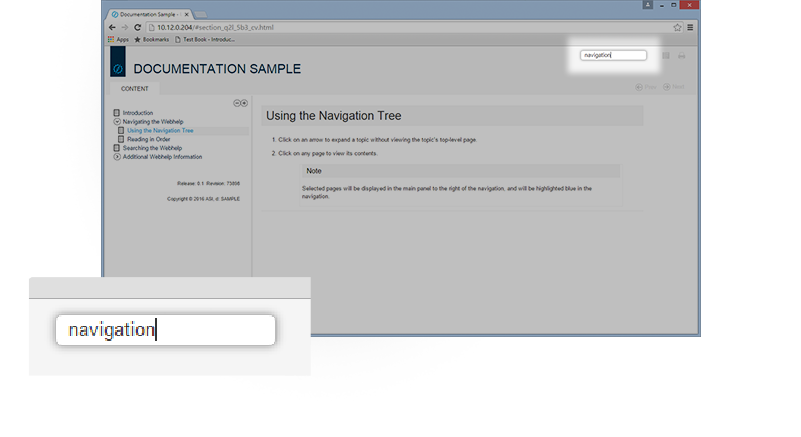
Enter search terms into the Search bar at the top right corner of the page.
Look through the search results for relevant information.
Note
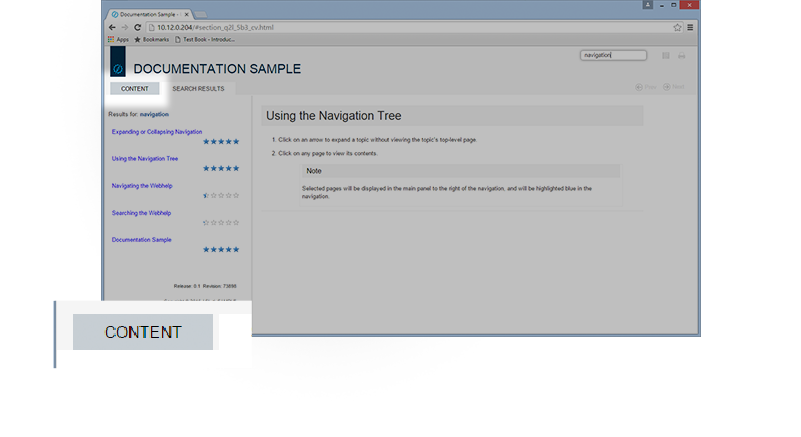
To return to the standard navigational view from the Search Results, Click on the Content tab.