Expanding or Collapsing Navigation
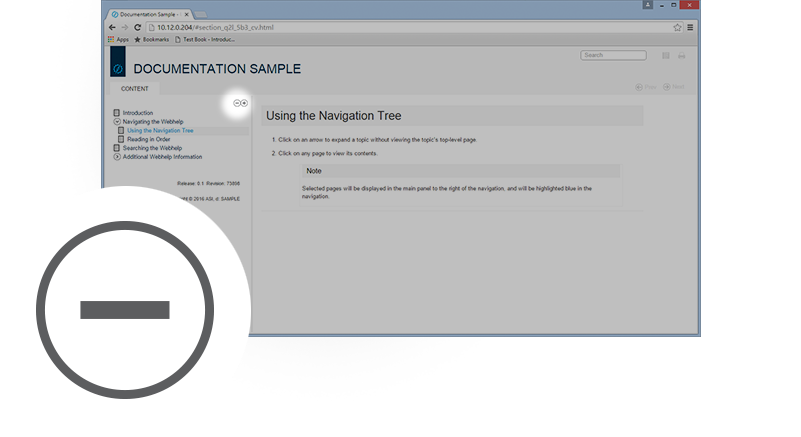
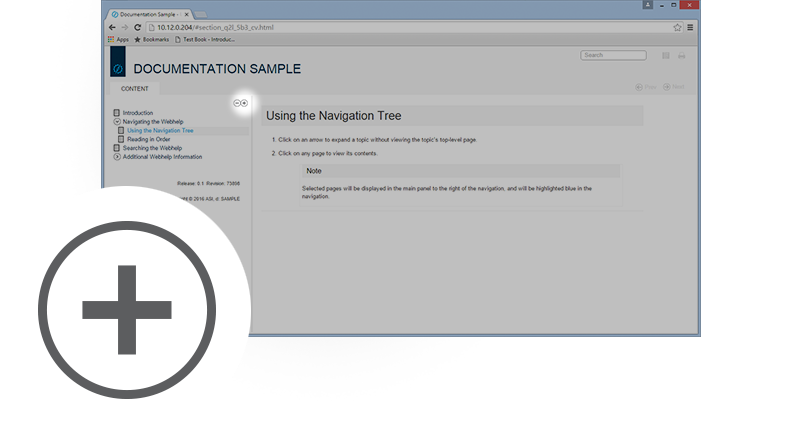
Individual sections in the navigation pane can be expanded or collapsed one at a time using the arrow buttons next to them. Use the plus and minus buttons to respectively expand or collapse all of the navigation links at once.
Click the button to expand everything in the navigation pane.
Click the button to collapse everything in the navigation pane.